
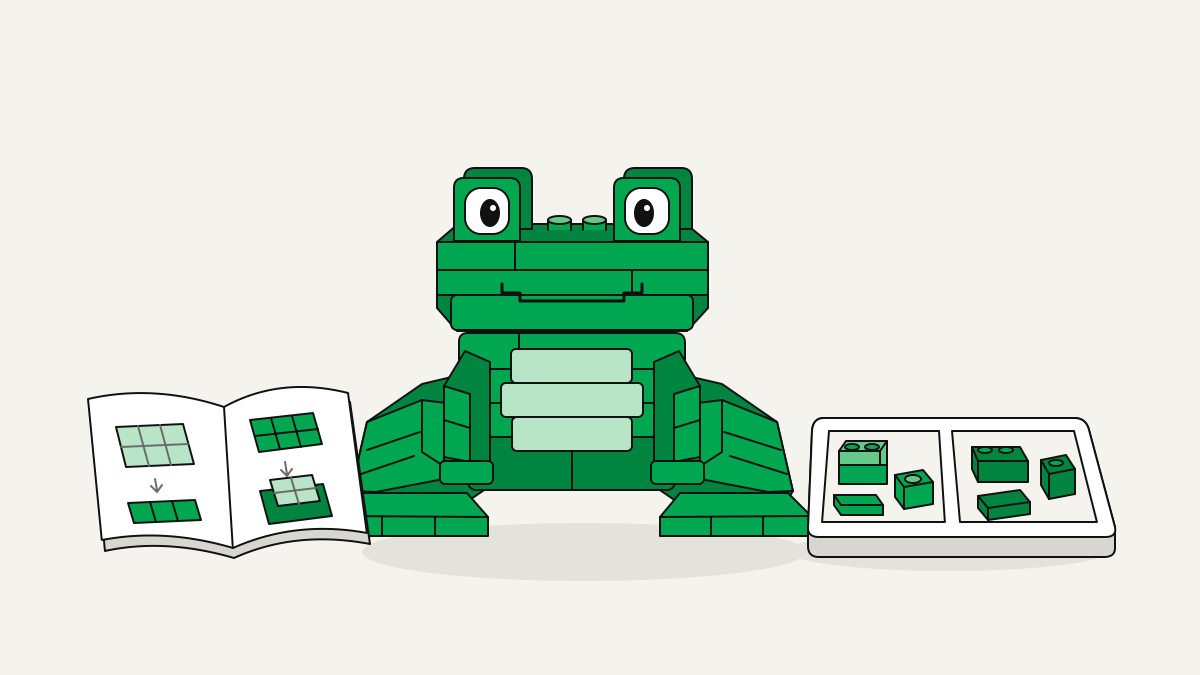
This frog build is Sitting Frog, a green frog made of bricks that sits on its back legs. It has 3,945 pieces and 39 steps. It stands 31 cm tall and covers 34 × 34 studs on its base. It uses the Gear cubes format, not standard parts, and it’s listed as Free.
How the Sitting Frog build goes together
Sitting Frog is a Gear cubes sculpture of a cheerful green frog. It sits on its back legs, ready to hop. You work through the manual one step at a time. For each step, gather the parts it lists. Then check the layer map to see where each one goes.
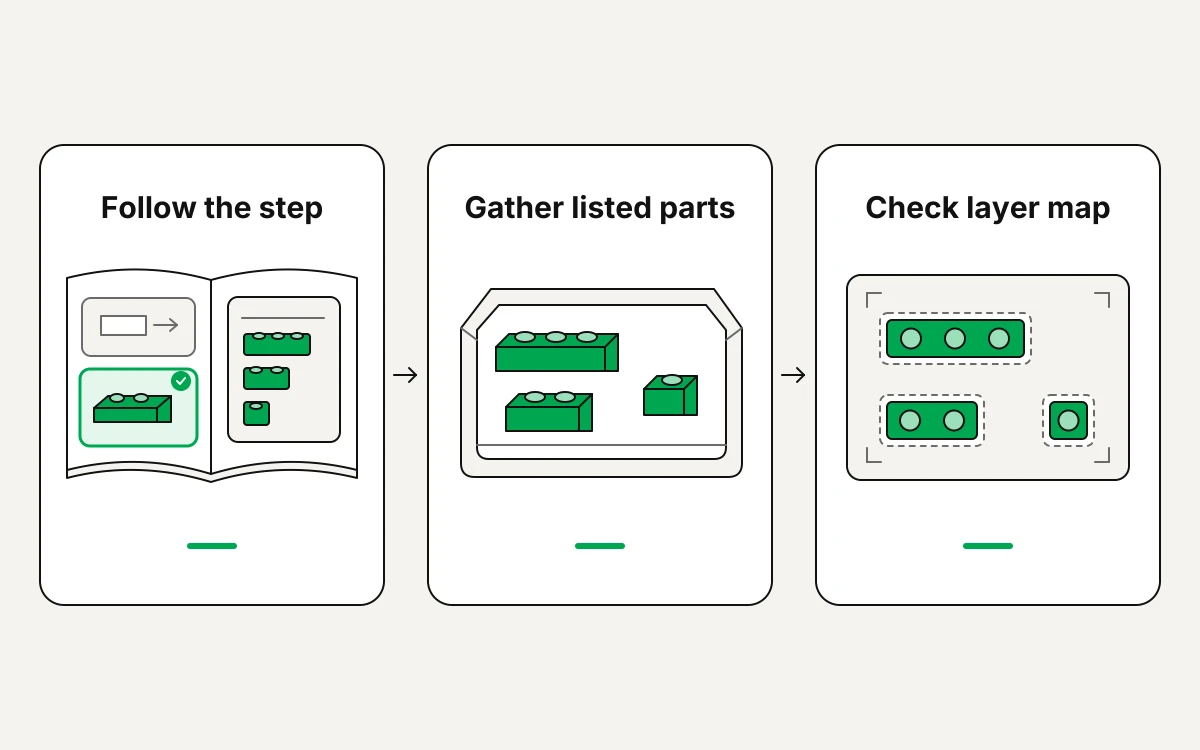
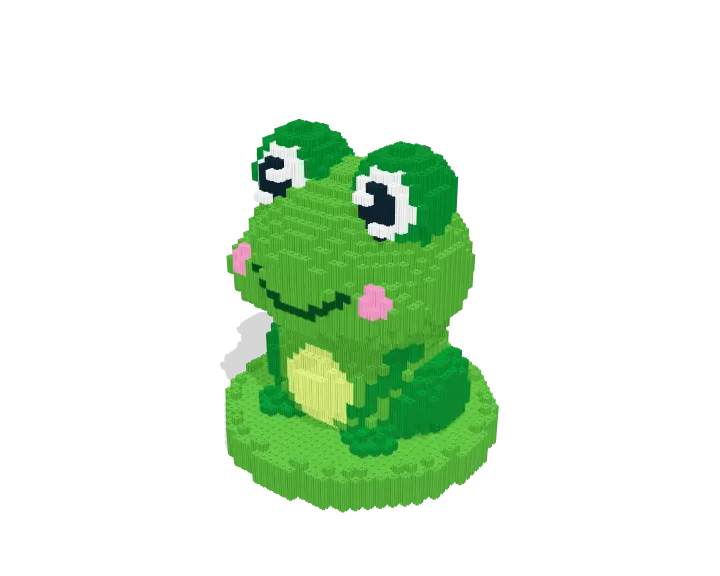
At BrickLab, we pair these guides with a 3D model you can turn. Keep both open as you build. The layer map shows where each part goes. The 3D model shows how the current step fits into the frog’s sitting shape.
Check the joins around the back legs, body and face against the 3D view as you go. If you can’t see where a part goes from your current angle, turn the model until you can. Then carry on. Follow the layout the manual shows. Don’t guess how the Gear cubes fasten together.
What Sitting Frog needs before you start
Most of its parts are Bright Green and Green. The full list is below, so you can check your colour stock before you begin.
| Specification | Sitting Frog |
|---|---|
| Pieces | 3,945 |
| Steps | 39 |
| Height | 31 cm |
| Footprint | 34 × 34 studs |
| Dimensions (W × D × H) | 272 × 272 × 312 mm |
| Part types | 1 |
| Lots (part and colour) | 7 |
| Bright Green | 2,835 |
| Green | 840 |
| Light Lime | 104 |
| White | 86 |
| Black | 38 |
| Bright Pink | 22 |
| Dark Green | 20 |
This build has only one part type, so sort it by colour. Keep the two main greens apart. Give each smaller colour lot its own box. A lot here means all the pieces in one colour. Label similar shades clearly. Then you can check the colours for each step before you take pieces out. When you put your parts order together, go through every colour, including the small lots.
Choose your size and where to put it
Sitting Frog comes in 4 sizes, and the numbers above are for one of them only. So look up the details for your size before you order parts or choose a display spot. The width and depth show whether the surface under it is big enough. For the space inside a shelf or cabinet, go by the full listed size. The footprint can’t show whether the finished frog fits under the shelf above.
Use a level surface that holds the whole base, with no edge hanging over. Place the frog so its face and the back legs it sits on stay in view and clear of other models. The 3D viewer lets you compare angles before you decide which way it faces.
A checklist for building and showing Sitting Frog
- Before you build, check that your instructions are for the Gear cubes format and the size you picked.
- While you build, drag to turn the 3D viewer, scroll to zoom, and drag with the right mouse button to move the view.
- Before you put it on show, make sure the frog sits level and doesn’t rock. If it rocks, compare the part it sits on with the viewer before you put it in its final spot.