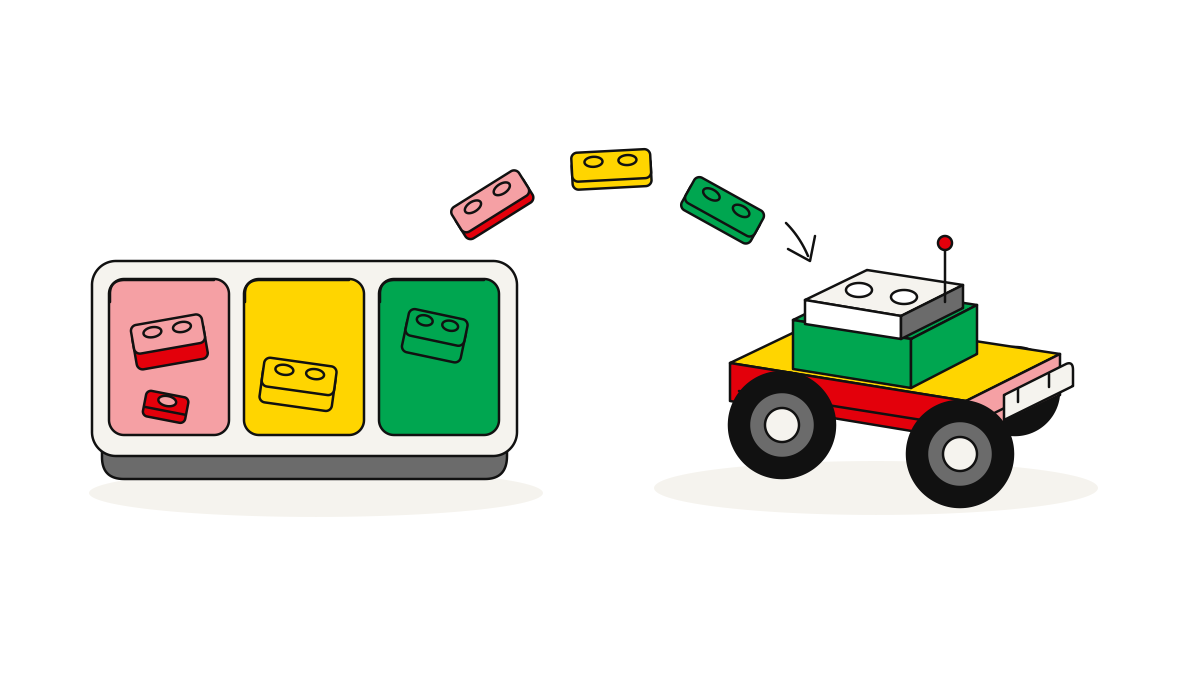
An alternate build is a different brick-built model made only from the parts in one existing set, or in a named mix of sets. You don’t add anything from outside that fixed parts list. Before you start, check the shapes, amounts and colours the new model needs against what you really own. The total piece count can match, and you can still be short of the right parts.
The check works the same way whether you rebuild from one set or from several sets put together. Go through the parts list. Tell extra parts (ones you would need to add) apart from unused parts (ones left over). Then pick instructions that fit your collection.
Alternate builds use only the parts you have
An alternate build has to work with a fixed set of parts. The design can only use the pieces you have, so the shopping list can’t grow as the model takes shape. Leaving pieces unused is fine. But once the instructions need a piece you don’t have, they are no longer an alternate build for your collection.
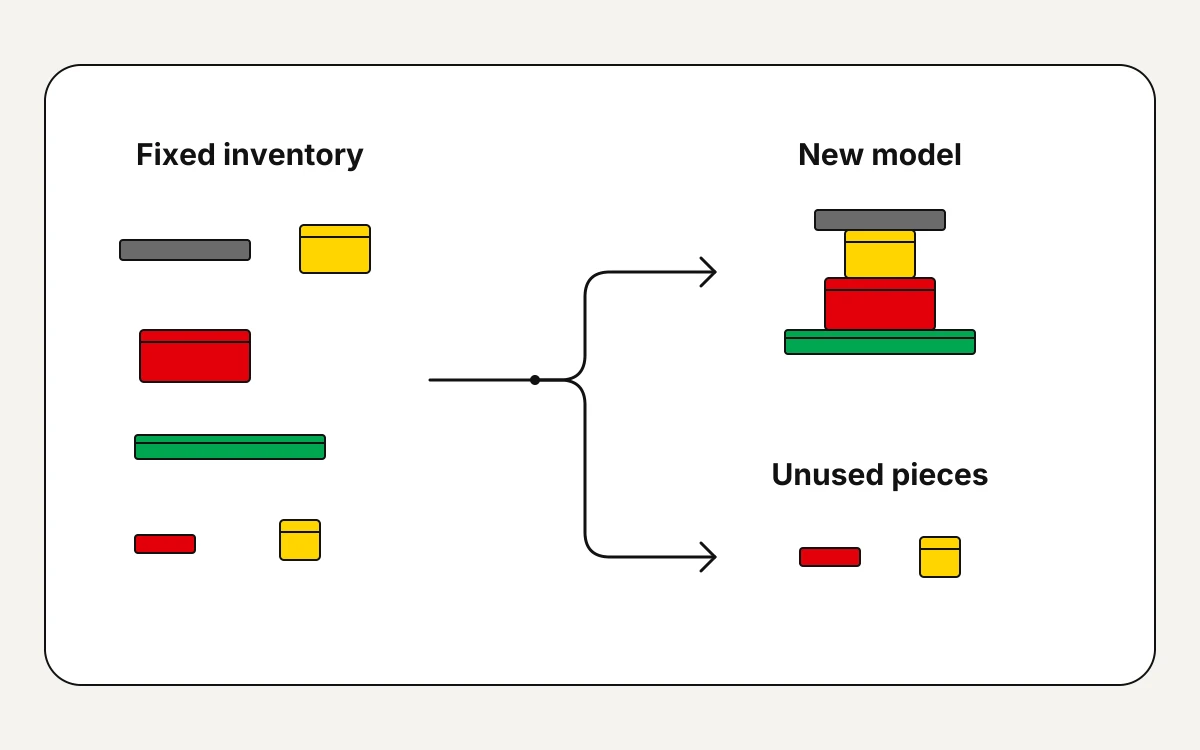
The bricks still join in the normal way. The parts list limits which parts you can use, not how they join. That’s why we deal with the parts that hold the model together first, before we swap any parts for looks. A piece that looks similar only works as a swap if it can make the same join.
With a MOC that has no parts limit, you’re free to get extra pieces to suit the design. A rebuild from a fixed parts list keeps you to the parts you have. Decide which of the two you want before you choose instructions. And if the parts list includes spare pieces, check you still have them before you count on them.
Use piece counts to cut your shortlist
Our catalogue runs from a tow truck with 208 pieces to a miniature city with 170,765 pieces. Use those numbers to get a sense of size and cut down your shortlist. They are only a guide to size. You still have to check each model against your own parts.
| Catalogue description | Stated pieces | Inventory-planning implication |
|---|---|---|
| Tow truck | 208 | A smaller inventory to compare, but its required shapes and colours still decide whether it fits your collection. |
| Miniature metropolis | 170,765 | A much larger stock requirement; rule it out early if your available inventory cannot cover the total, before checking individual parts. |
If you have fewer pieces than a model needs, rule it out as a fixed-parts rebuild straight away. If you have enough pieces, move on to its parts list. There, check that your stock covers every shape and colour the model needs, in the right amounts.
All 106 BrickLab real-part sets are free to open and build. So you can compare their size in the catalogue before you do a detailed parts check.
Choose instructions that fit the parts you own
Go through the parts one by one. Then decide whether to build the model as listed, adapt it to the parts you have, or drop it. That means you compare the amount for each part the model needs, not the overall total. Write down any shortfall before you start the step-by-step instructions.
- Build it as listed when your stock covers every shape, amount and colour the model needs. If the instructions expect spare pieces, count those only if you still have them.
- Adapt it when the shapes and amounts fit but the colours don’t. Keep the listed colours where looks matter. Elsewhere, plan swaps that stay the same all the way through, and make sure you have enough of each new colour. A colour change can’t fix a missing shape, though.
- Drop it as a fixed-parts rebuild when parts it needs are still missing. You can choose to get extra parts, but then the project becomes something bigger. Unused parts are no problem, since an alternate build doesn’t have to use up your stock.
If you’re putting parts from several sets together, make sure every one of those sets is really free to use. Leave out parts that are still in use in another model.
Our parts library shows every brick, plate, tile, slope and round in 3D. It also gives each part’s specs and the builds that use it. So you can look closely at a shape you don’t know before you tick it off as a match.
A checklist for your next model
Look for missing parts before you take your current model apart. Then check the joins as you build:
- Keep a written list of missing parts. Sort out each one before you take the current model apart. If your parts can’t support the instructions, pick another rebuild or change what the project covers.
- Preview the build. With our catalogue models, you can turn the 3D model and follow the step-by-step instructions. You can also look through the parts list for each step and the layer map, which shows where each part goes. Mark any spot that needs a closer look.
- Group the parts for the first steps. Once the parts check is done and you have the parts, set them out so you can check them before you build.
- Check the joins as you go. Compare each section with the instructions before later layers cover it. That way, you can fix unclear spots while you can still reach them.